Authentication
Important Constraint
Section titled “Important Constraint”tipply-sdk-ts does not implement login. Authenticated requests require an existing Tipply session and the value of the auth_token cookie.
Pass only the cookie value, not the full Cookie header.
Get auth_token From DevTools
Section titled “Get auth_token From DevTools”- Open the Tipply user panel and sign in.
- Open DevTools with
F12. - Go to
Application. - Open
Cookies. - Select
https://app.tipply.pl. - Find the row where
Nameisauth_token. - Copy the
Valuecolumn.
Screenshots
Section titled “Screenshots”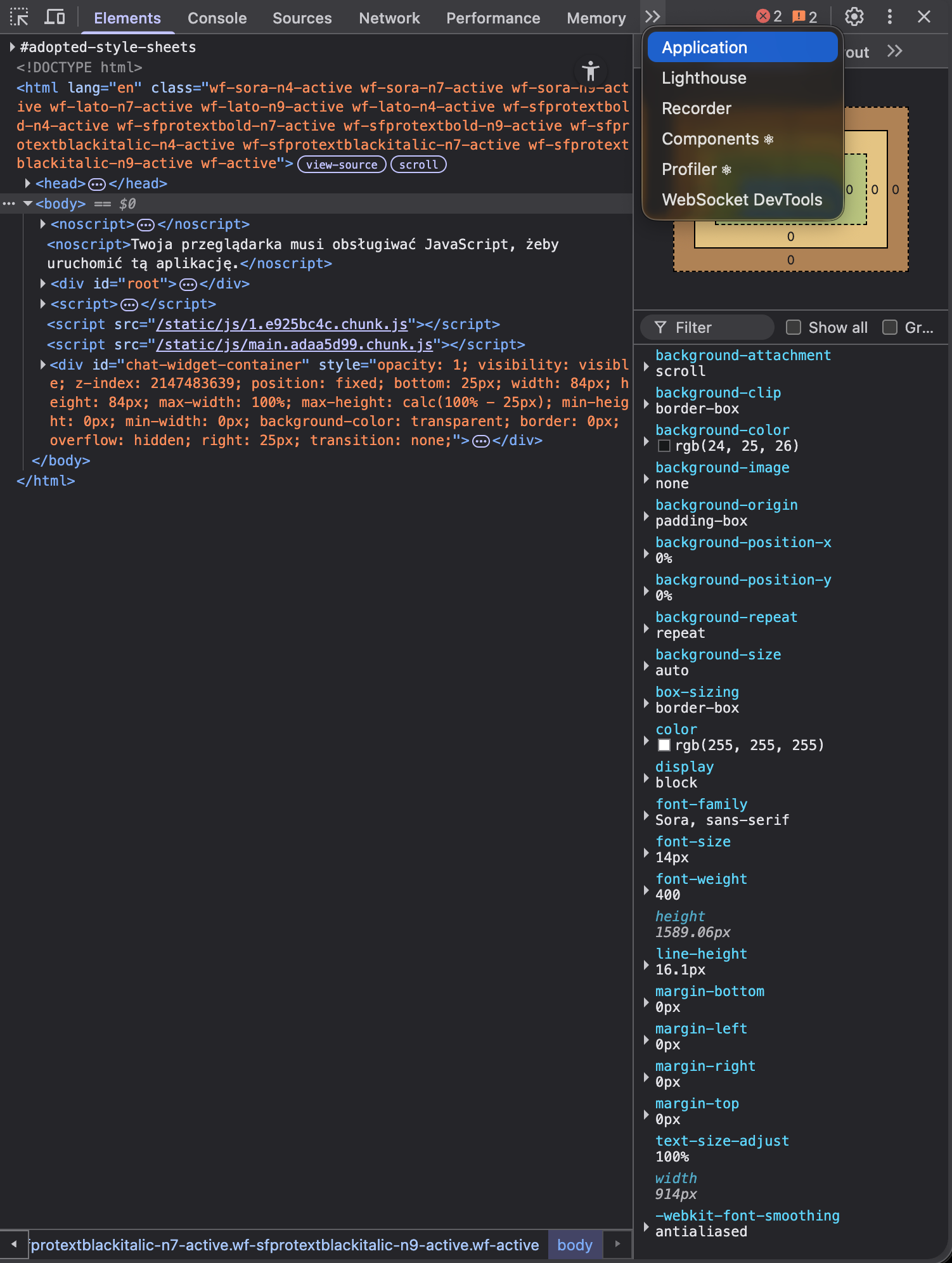
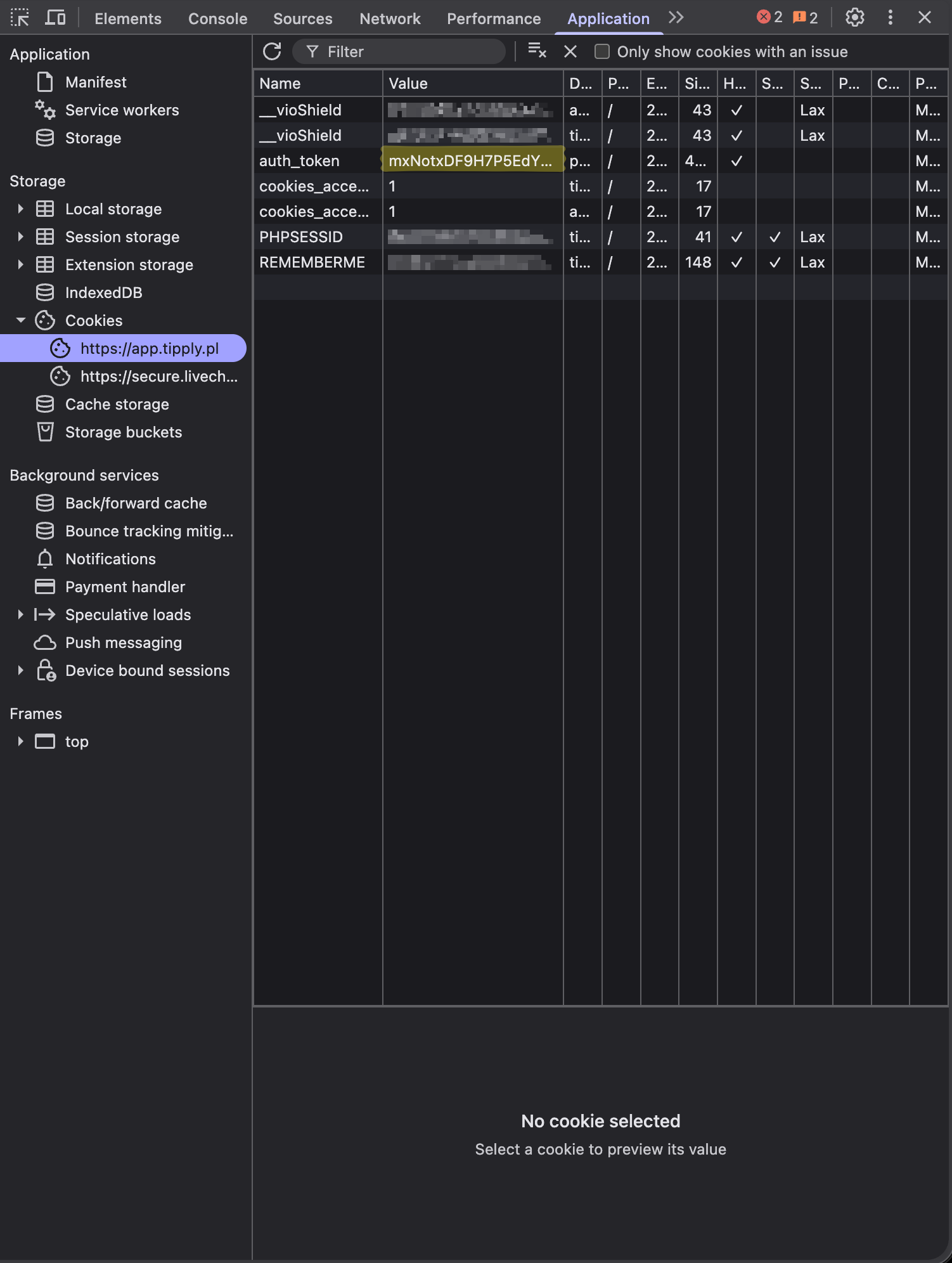
Supported Session Strategies
Section titled “Supported Session Strategies”Static cookie
Section titled “Static cookie”import { createTipplyClient } from "tipply-sdk-ts";
const client = createTipplyClient({ authCookie: process.env.TIPPLY_AUTH_COOKIE!,});Nested session config
Section titled “Nested session config”const client = createTipplyClient({ session: { authCookie: process.env.TIPPLY_AUTH_COOKIE!, },});Dynamic cookie provider
Section titled “Dynamic cookie provider”const client = createTipplyClient({ getAuthCookie: async () => process.env.TIPPLY_AUTH_COOKIE,});Browser session
Section titled “Browser session”const client = createTipplyClient({ session: { browserSession: true }, transport: { includeCredentials: true },});What The Client Does For Auth Requests
Section titled “What The Client Does For Auth Requests”- sends authenticated requests through the proxy endpoint
- sets
Referertohttps://app.tipply.pl/ - sets
Origintohttps://app.tipply.plfor non-GETrequests - injects
Cookie: auth_token=<value>when you provide a cookie manually - can capture a refreshed
auth_tokenfromSet-Cookie - can periodically refresh the session through
GET /user
Common Misconfiguration
Section titled “Common Misconfiguration”Authenticated calls fail with TipplyConfigurationError if you do not provide:
authCookiegetAuthCookiesession.browserSession
and you also disable credential forwarding.
Security Notes
Section titled “Security Notes”- never commit
auth_token - do not print it in logs
- keep it in environment variables or secret storage
- expect
TipplyAuthenticationErrorwhen the session expires